
MY FIRST TIME
My beginner moments
Who hasn’t had a wonderfully awkward first try?
The web beta requires an existing Tell beta account.
For iPhone with iOS 26 or later.

LITTLE MOMENTS, REAL STORIES
First times, unexpected passions, little changes. They all deserve another telling, in another language.
Who hasn’t had a wonderfully awkward first try?
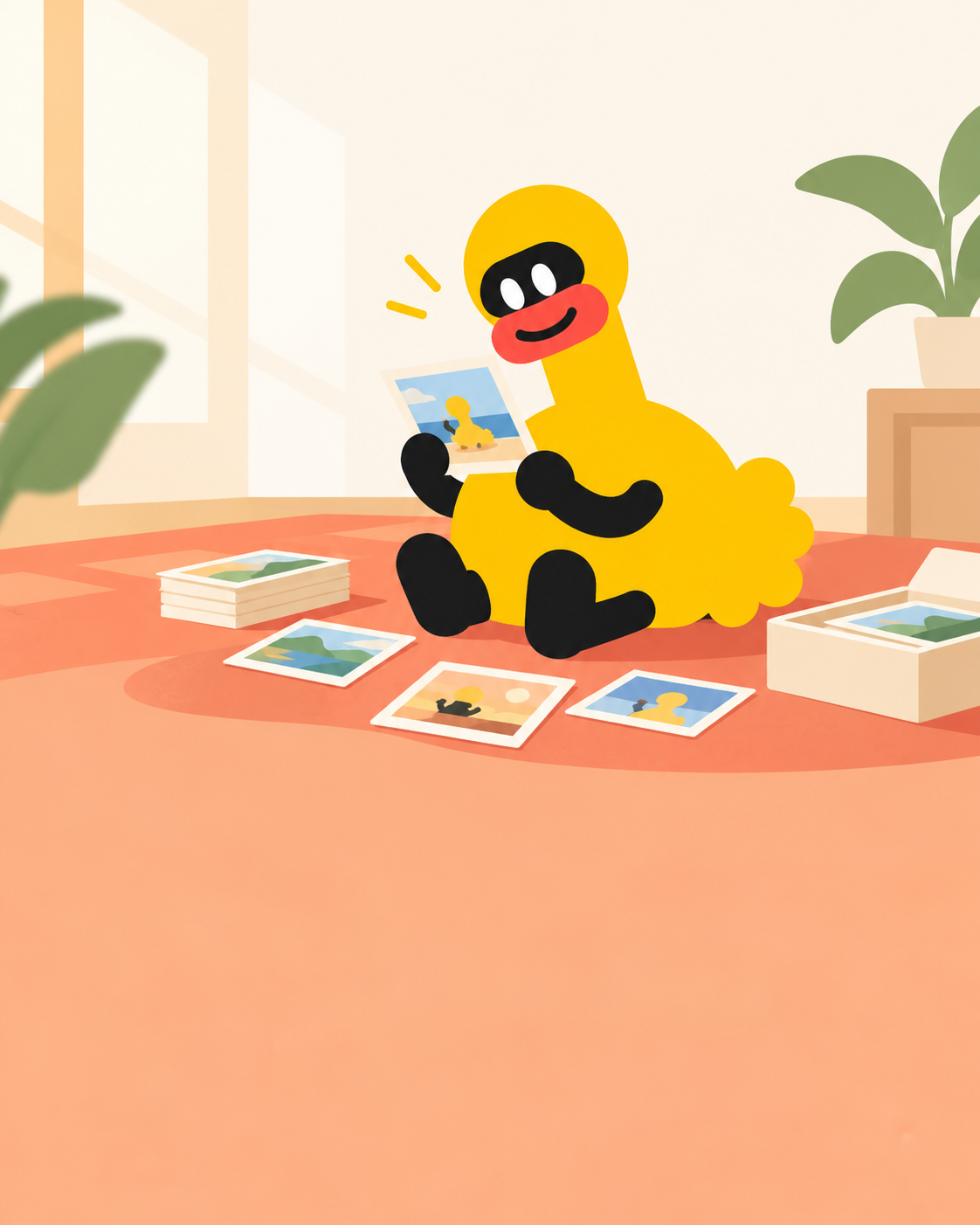
Looking back, I really have changed.
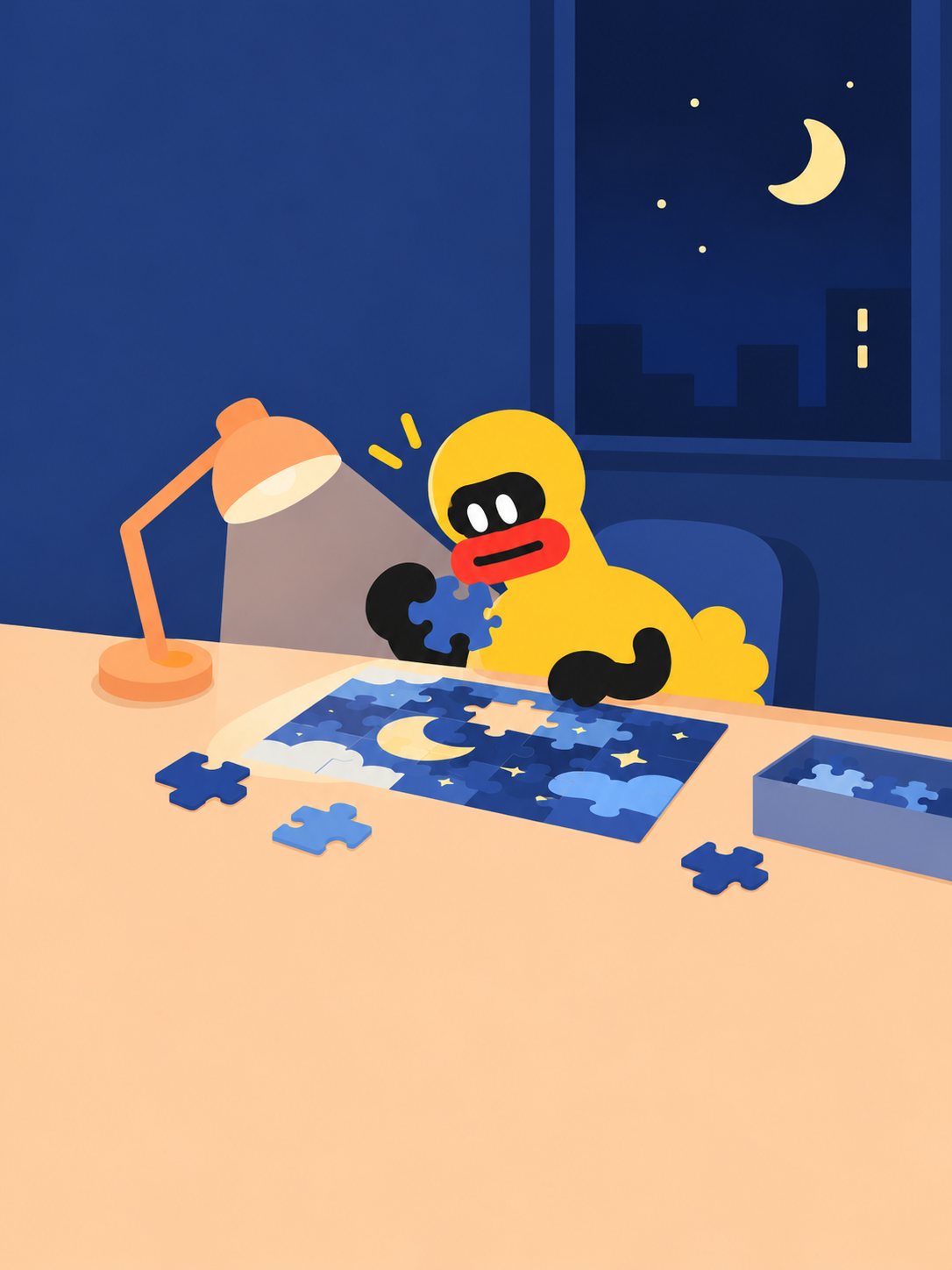
Others might not get it. I’m having a great time.
No need to know how to say it yet. Just bring a small story.
YOUR LIFE. YOUR WORDS.
Pick a topic that speaks to you and talk about what happened. Tell helps you find the story, bit by bit.
Choose Mandarin Chinese, English, Japanese or Cantonese. Shape a real experience into a natural story that feels easy to tell.
Listen, practice along, then tell it in your own voice. Let more people hear your story.
Tell for iPhone is in beta. Requires iOS 26 or later.
You can also try the web versionApple’s app for testing beta apps. If you already have it, skip to step two.
Download TestFlightOpen the invitation link, then accept the invitation and install Tell in TestFlight.
Get the Tell betaOn iPhone, we recommend opening this page in Safari.
Return to this page and select “Get the Tell beta” to open the Tell test invitation. In TestFlight, tap “Accept”, then “Install”.
The Tell app supports iPhone with iOS 26 or later. On other devices, you can try the web version with an existing Tell beta account.
If you opened this page inside a social app, copy the page link and paste it into Safari, then try the download button again. TestFlight shows current beta availability and available places.